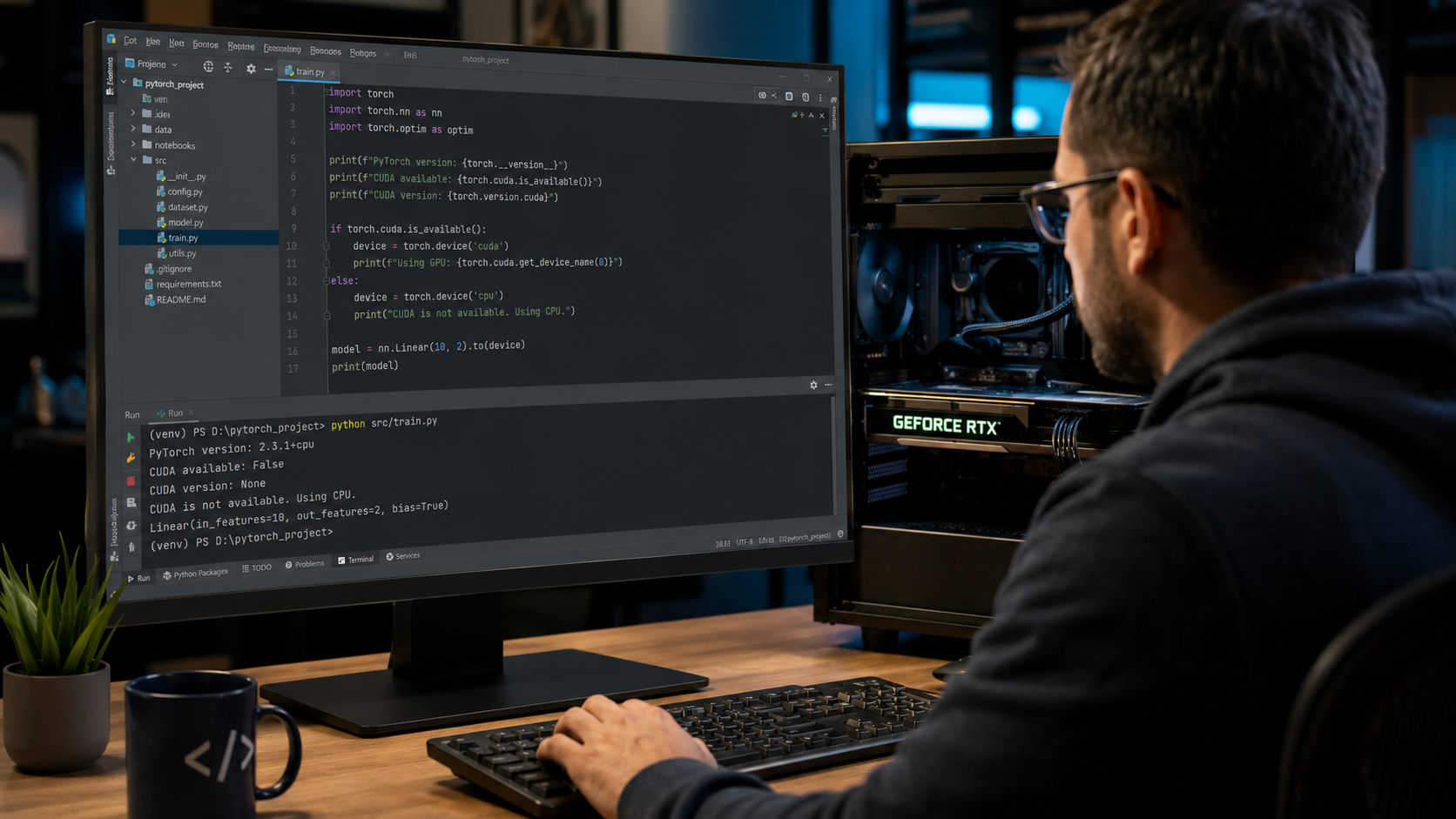
How Many Threads Does My CPU Have? (Windows, Mac & Linux Guide 2026)
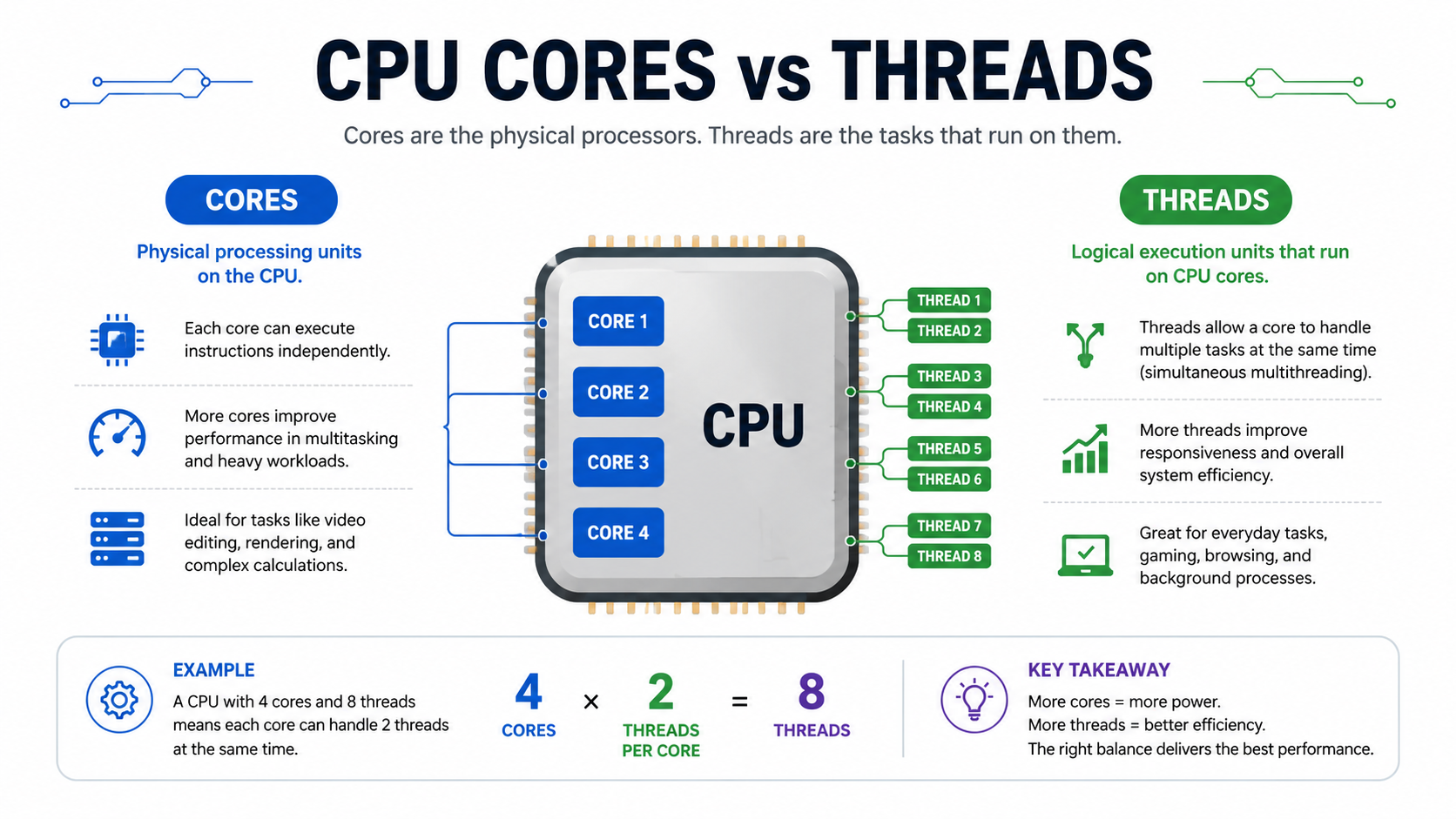
You can check your CPU threads by opening Task Manager on Windows, going to Performance CPU, and looking at Logical Processors. This number shows your CPU thread count. On Mac and Linux, you can check CPU details through System Information or terminal commands. In this guide, you will learn what CPU threads are, the difference … Read more